Process
THE SYSTEM THAT GUIDES YOU.
Step-by-step. Simple. Personal. All you need is your phone — and maybe a Bluetooth speaker. We handle the rest.
01
Choose your Poxi object
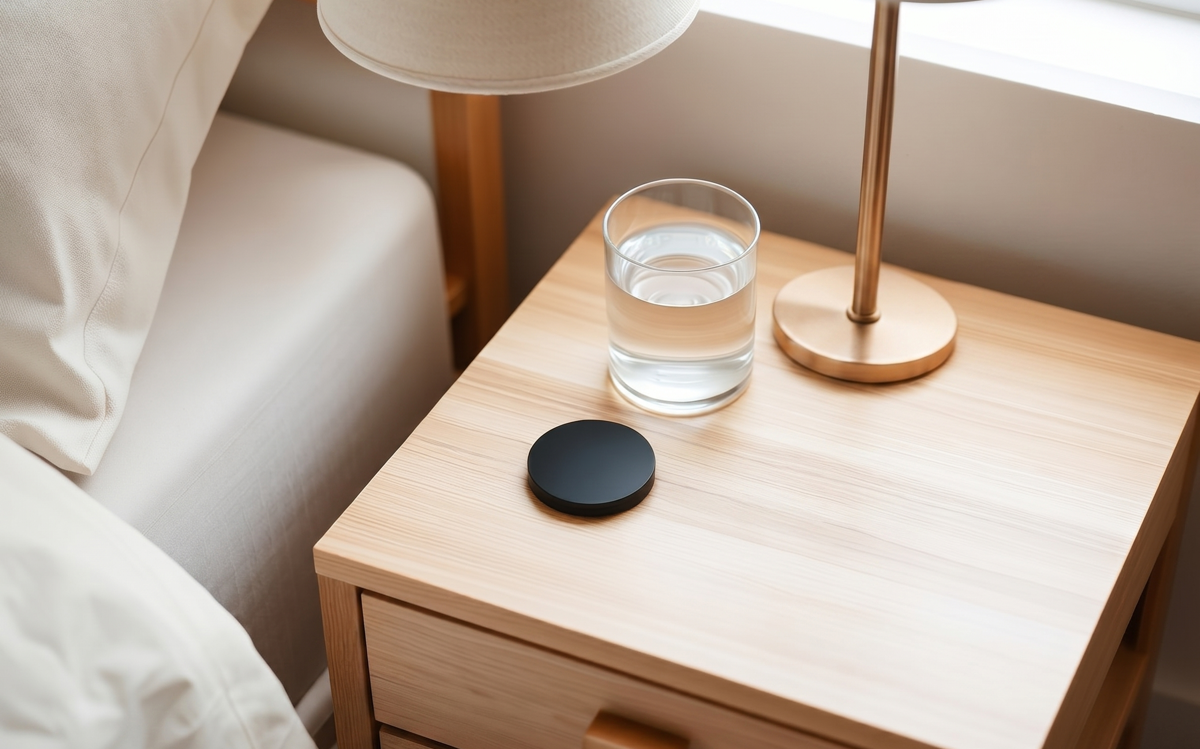
Pick a disc or tab in the material that fits your space.
02
Pick a place
Bedside, desk, fridge, car dock, gym bag — wherever a routine starts.
03
Choose or build a routine
Browse phone-based routine recipes or compose your own — Shortcuts, Tasker, or our app.
04
Pair what you already own
Bluetooth speaker, earbuds, a single smart plug. That is all you need to amplify it.
05
Tap to activate
Hold your phone near the tag. Your routine runs in under a second.
Routine Library
Hundreds of phone-first routines for work, sleep, health, travel and more. New routines added every week.
Get inspirationIn-App Function
Morning Boost
- Weather + calendar pop up
- Playlist on speaker
- Coffee timer starts
In-App Function
Sleep Mode
- Sleep sounds via speaker
- Phone DND
- Alarm set
In-App Function
Leaving Home
- Commute playlist on earbuds
- Transit ETA
- Lamp's smart plug off
In-App Function
Deep Focus
- Do Not Disturb
- Lo-fi mix
- Distracting apps hidden
- Timer start
In-App Function
Gym Mode
- Workout playlist
- Fitness app starts
- Water reminder set
In-App Function
Travel Mode
- Airplane mode
- Offline maps
- Translations
- Boarding pass
In-App Function
Groceries
- Shared list opens
- Voice memo ready
- Payment app primed
In-App Function
Date Night
- Dinner playlist on speaker
- Notifications muted
- Reservation ready